
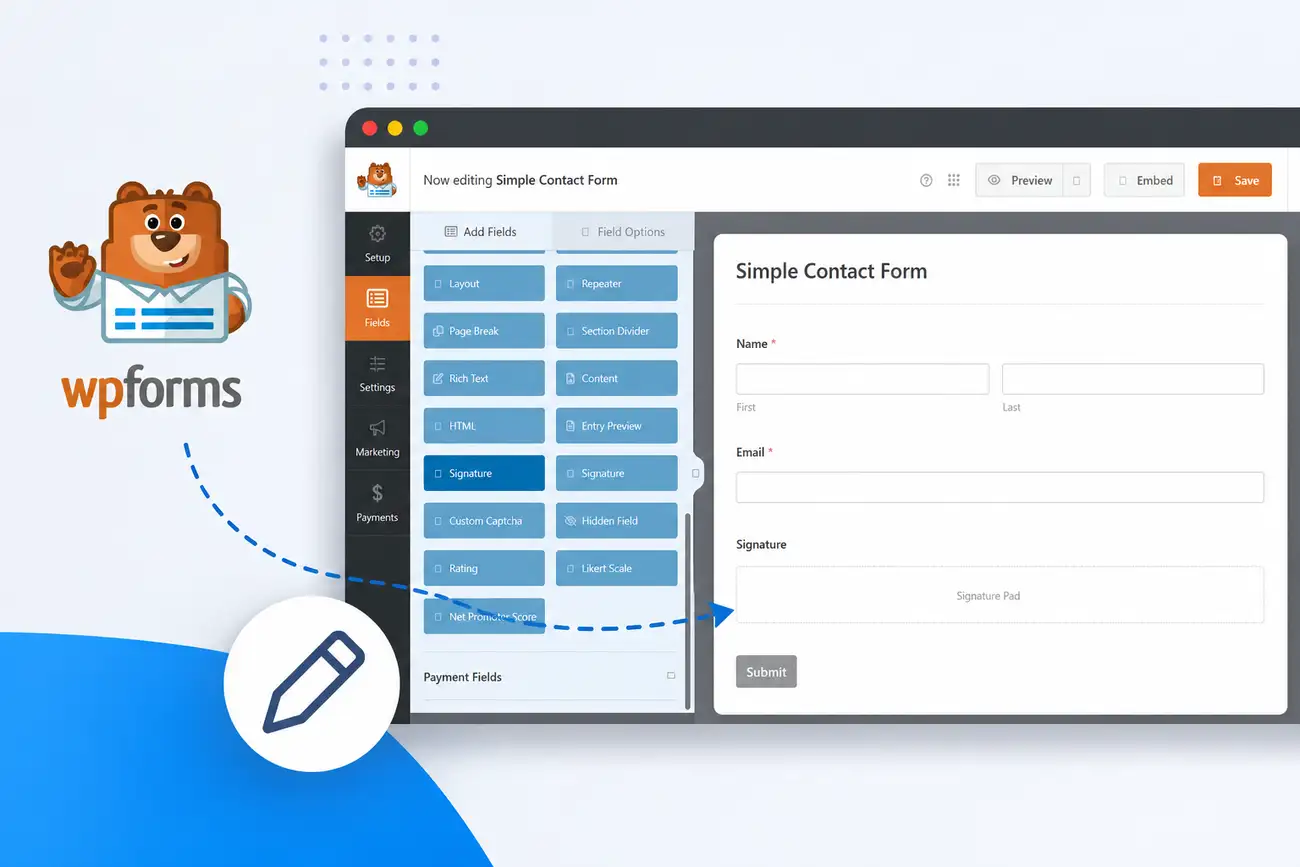
If you’ve built a form in WPForms and gone looking for a signature field, you’ve probably hit the same wall most people do: it isn’t there. Not on the free plugin, not on Basic, not even on Plus. A WPForms signature field only exists on the Pro plan and above — currently $199.50/year at the introductory price (it renews at $399), and that’s before you’ve decided whether you actually need the other three dozen features bundled into that tier just to get one.
If a signature pad is the only reason you were looking at Pro, you don’t need to buy an entire plugin upgrade to get one. This guide covers both routes — upgrading WPForms itself, and adding a signature field with SignSnap instead — and walks through the setup either way.
Does WPForms Have a Signature Field?
Only on paid plans, and only the higher ones. WPForms Lite, the completely free version on WordPress.org, doesn’t include it. Neither does Basic, WPForms’ cheapest paid tier at $49.50/year for one site. The Digital Signatures addon is gated to Pro and above — $199.50/year (intro pricing), which also includes a 5-site license, payment integrations, conditional logic addons, and a long list of features most single-site users never touch.
That’s a deliberate packaging choice, not an oversight — WPForms uses Pro-only addons like Signatures to justify the jump from Basic to Pro, the same way most form and page builders reserve their most-wanted single feature for a higher tier. It’s a reasonable business model if you want the rest of what Pro includes. It’s an expensive way to get one field if you don’t.
That’s the exact gap SignSnap fills: a signature field that works with WPForms Lite and Basic, without needing Pro at all.
Two Ways to Add a Signature Field to WPForms
Option A: Upgrade to WPForms Pro
If you’re already planning to use WPForms’ payment fields, entry automation, or other Pro-only features, upgrading makes sense — the signature field comes along as part of a much bigger bundle. WPForms’ Digital Signatures addon saves each signature as a transparent PNG attached to the form entry, and it works fine if you’re paying for Pro anyway.
Option B: Add SignSnap
If a signature field is the only reason you were looking at Pro, SignSnap adds one directly into WPForms — free or Basic tier included — for a fraction of what the Pro upgrade costs. It’s a single-purpose plugin: one canvas-based signature field that drops into the WPForms builder like a native field. Nothing else about your WPForms setup changes.
The rest of this guide covers Option B, since that’s what most people searching for this are actually trying to do.
Before You Start
You’ll need:
- WPForms installed and active (Lite or any paid tier — SignSnap doesn’t require Basic, Plus, or Pro)
- SignSnap installed on the same WordPress site
- A form already built, or a few minutes to build one
No code, no child theme edits, no API keys.
How to Add a Signature Field to WPForms with SignSnap
Step 1: Install SignSnap
Install SignSnap like any WordPress plugin, then activate it. SignSnap detects which supported form plugin is active on your site — WPForms, in this case — and loads only that adapter. None of the code for the other seven plugins SignSnap supports gets loaded on pages that don’t need it, so there’s no extra weight sitting on your site.
Step 2: Drag the Signature Field into Your Form
Open any form in the WPForms builder. SignSnap’s Signature field appears in the field panel right alongside your existing WPForms fields — text, email, dropdown, file upload, and so on. Drag it into the form wherever you want a signature captured, exactly like adding any other field. There’s no separate settings screen to hunt for and no shortcode to memorize.
Step 3: Customize How the Pad Looks
SignSnap has a single global settings page that controls pen color, stroke width, and pad size/background across every form on your site, regardless of which plugin built it. Set it once, and every signature field matches your brand — thin dark strokes for a formal contract, thicker and bolder for something more casual. You’re not configuring this per field or per form.

Step 4: Test It, Then Publish
Open the form on the front end and sign it — with a mouse, a trackpad, a finger on a phone, or a stylus. SignSnap’s pad responds to all three input types the same way on any modern browser, mobile included. Submit a test entry, confirm the signature shows up where you expect it, and publish.
That’s the whole setup. No developer, no separate signature dashboard, no new login for your team to learn.
What Happens to the Signature After Submission?
This is where SignSnap works differently from a base64-in-the-database approach. Every signature SignSnap captures saves as a real WordPress Media Library attachment — an actual image file, not a blob of encoded text jammed into a database column. Alongside it, SignSnap logs an audit trail: timestamp, IP address, and user agent for whoever signed.
That matters if a signed form is ever going to function as a real agreement rather than a nice-to-have UX touch. In the U.S., the ESIGN Act and state-level UETA laws generally require that an electronic signature be attributable to the person who made it — which is a big part of why a timestamp and IP record matter more than the drawing itself does. (This isn’t legal advice — talk to an attorney if you’re relying on signed WordPress forms for anything contractually significant.)
WPForms Signature Field: Cost Comparison
| WPForms Basic | WPForms Pro | SignSnap | |
|---|---|---|---|
| Signature field included | No | Yes | Yes |
| Price | $49.50/year | $199.50/year (intro) | From $19/year* |
| Sites | 1 | 5 | 1 to unlimited |
| What you’re paying for | Core WPForms only | Signatures, payments, automation, conditional logic addons, etc. | Just the signature field |
SignSnap’s current price reflects an active early-bird promotion — check current pricing for up-to-date plans.
If the signature field is all you need, SignSnap gets you there for roughly a quarter of what WPForms charges to unlock the same capability at Pro — without changing anything else about your WPForms setup.
Common Questions
Do I need WPForms Pro to use SignSnap? No. SignSnap’s WPForms integration works with the free WPForms Lite plugin and the paid Basic tier. You don’t need Plus, Pro, or Elite for the signature field itself.
Does the signature field work on mobile? Yes. The pad responds to touch, stylus, and mouse input identically, so signing works the same on a phone as it does on a desktop.
Where does the signature actually get stored? As a WordPress Media Library attachment, with a logged timestamp, IP address, and user agent — not as base64 text buried in a database row.
Can I use SignSnap on other form plugins too? Yes. SignSnap currently supports eight form plugin integrations — Fluent Forms, Contact Form 7, Elementor Pro, MetForm, Formidable Forms, SureForms, and WS Form, alongside WPForms — all through the same signature engine and settings page.
What if I already own WPForms Pro? Then you already have a signature field, and WPForms’ Digital Signatures addon works fine if you’re paying for Pro regardless. SignSnap is built for people who don’t want to buy the rest of the Pro tier just to get one field.
Try It Before You Install It
You can test SignSnap’s signature pad — pen color, stroke width, pad size — on the live demo, no install required. If it does what you need, adding it to a WPForms form takes about five minutes.